

The European Summit 2017-2019
2025-12-03 10:00:06

Integration Guide - Revolut

Meet a new integration with popular Payment Gateway Revolut


69305d8f46fb5.png


This guide explains how to connect Revolut Business Merchant API with Rentsyst to process online payments. Follow the steps below to prepare your Revolut account, configure API keys, and connect them inside Rentsyst.


1. Requirements

1.1. Before starting, ensure that you have:

  • A Revolut Business account with Merchant access enabled
  • Access to the Revolut Merchant API (Production or Sandbox)
  • Administrator access to the Rentsyst system


2. Enable Merchant API Access in Revolut

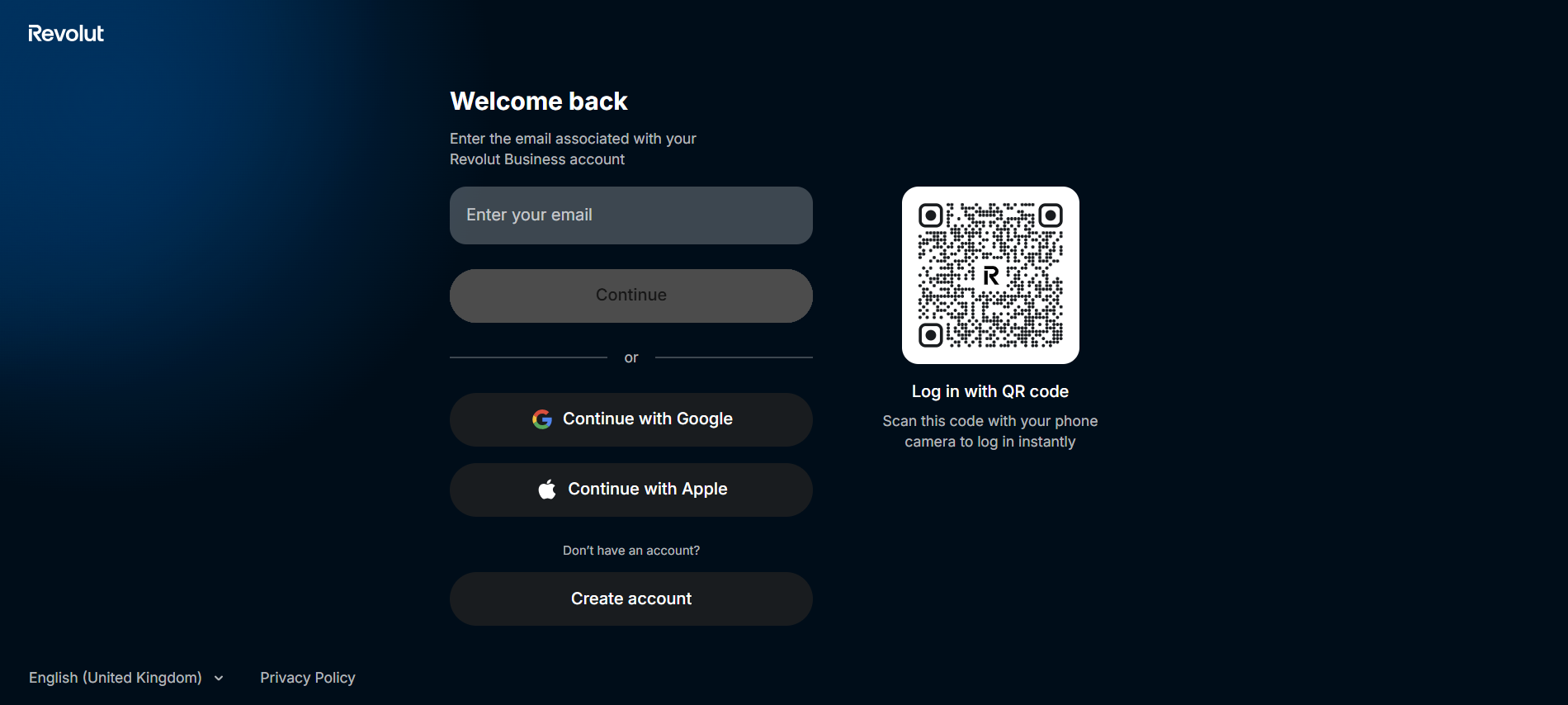
2.1. Log in to your Revolut Business portal.
69305dbc5b62b.png

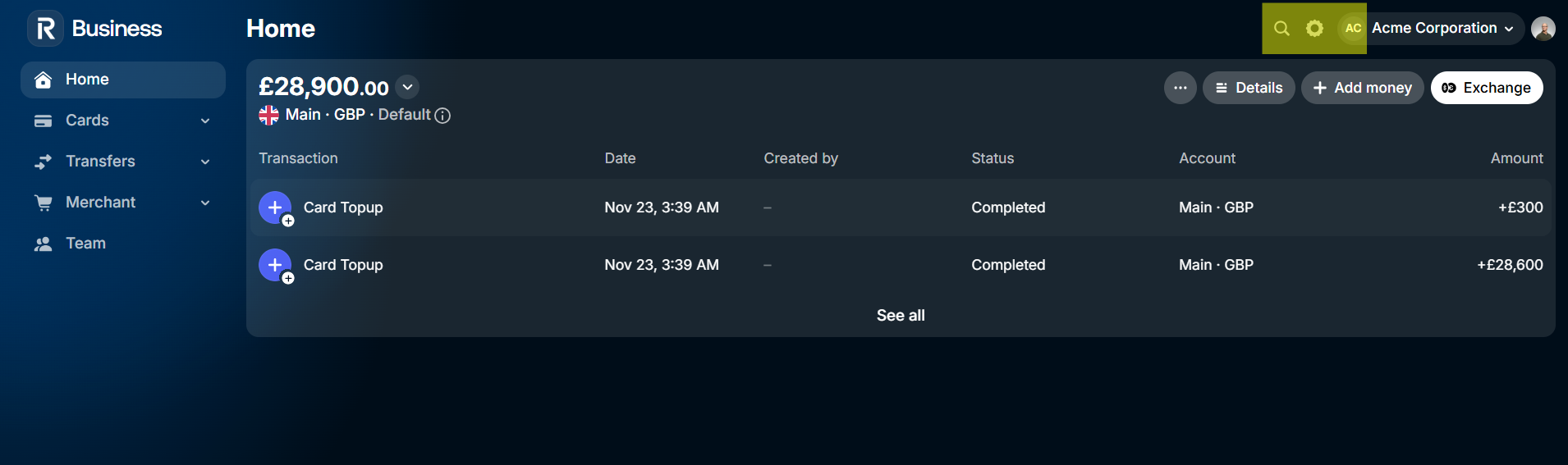
2.2. Go to Settings menu:

69305dccf33e3.png

2.3. Settings → API (or Merchant API section)
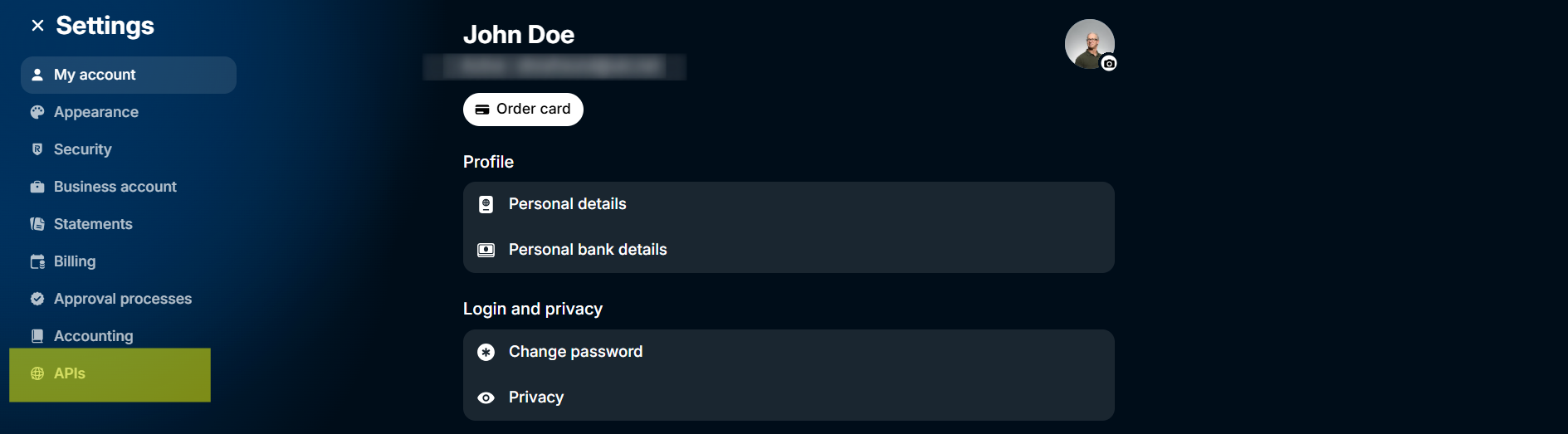
69305de3a16ad.png

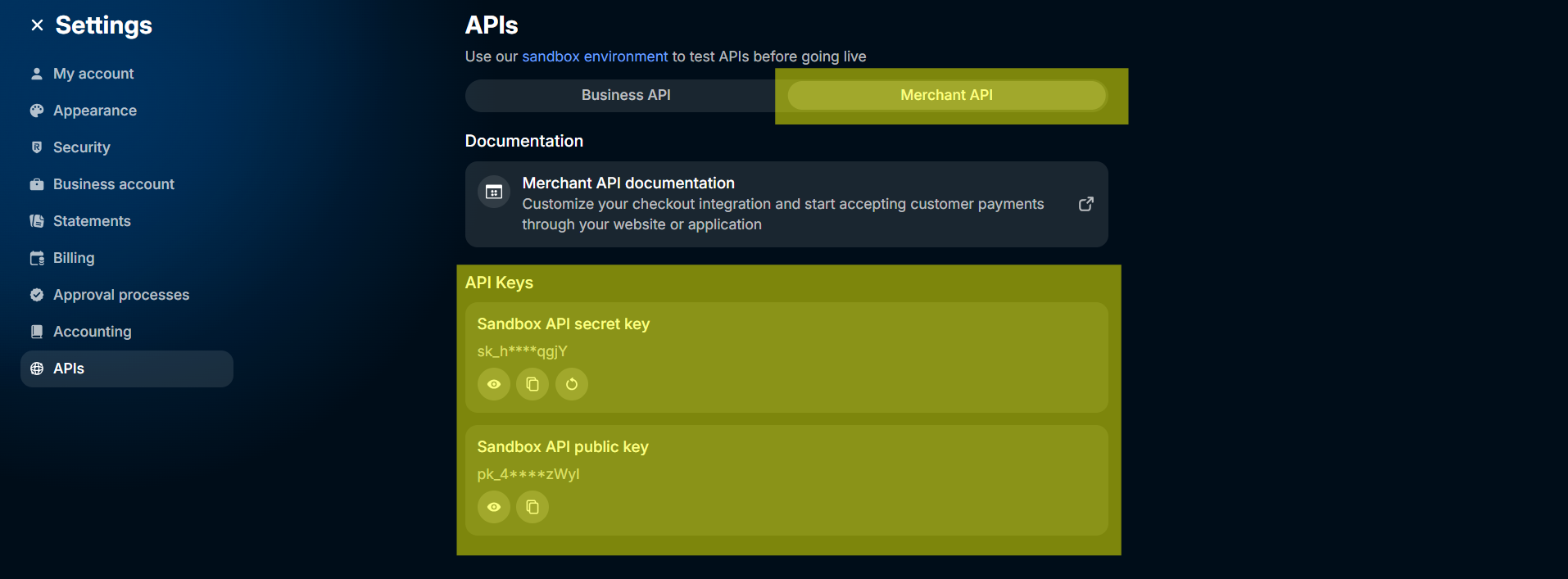
2.4. Here you need to switch to Merchant API section and generate/get securely your integration credentials (you will need it for Rentsyst)
69305e0d84f67.png


3. Retrieve your Merchant account details

3.1. You will need these values from Revolut:

  • Secret API Key
  • Public API Key


4. Fill Revolut credentials inside Rentsyst

4.1. Log in to the Rentsyst Admin Panel.
4.2. Go to Settings → Integrations & Agents → Revolut.
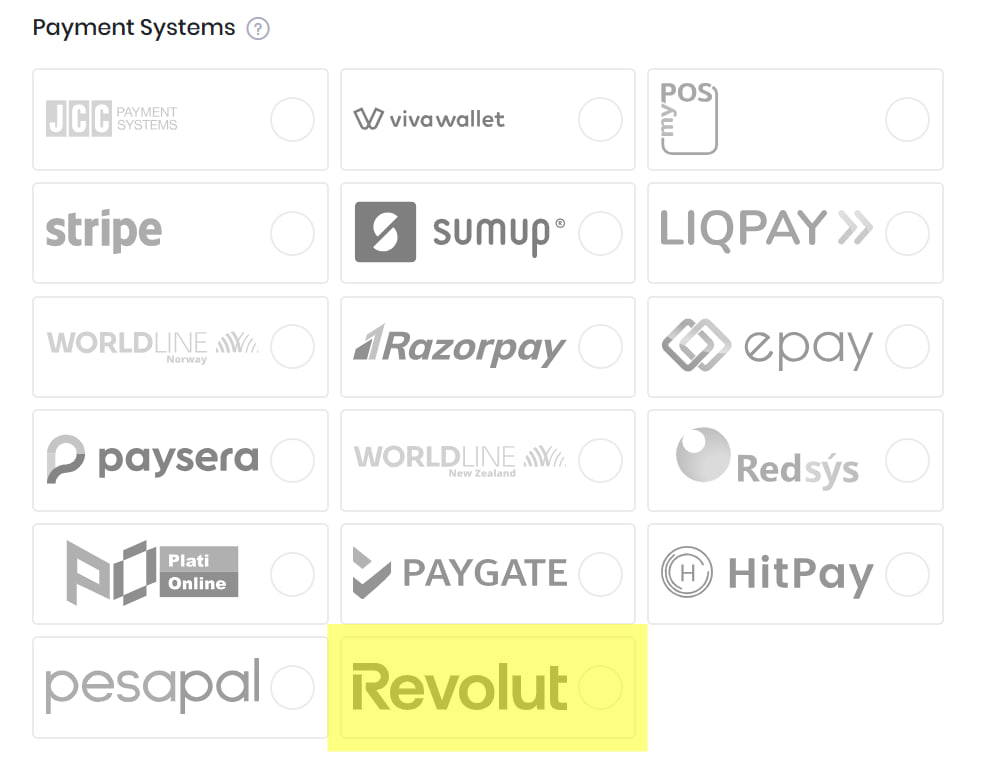
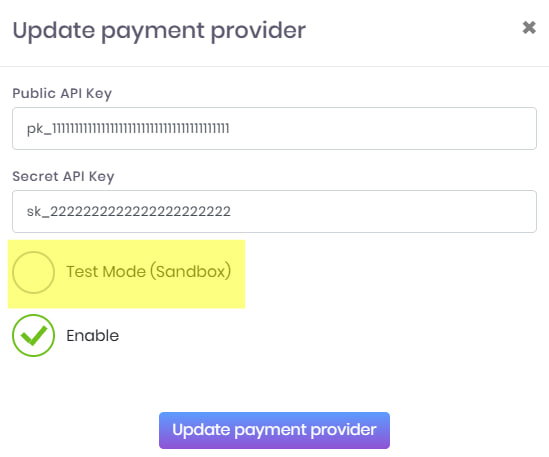
4.3. Fill in the following fields:

  • Secret API Key
  • Public API Key


4.4. Select environment:

Test mode (Sandbox)
Enable (Live payments)

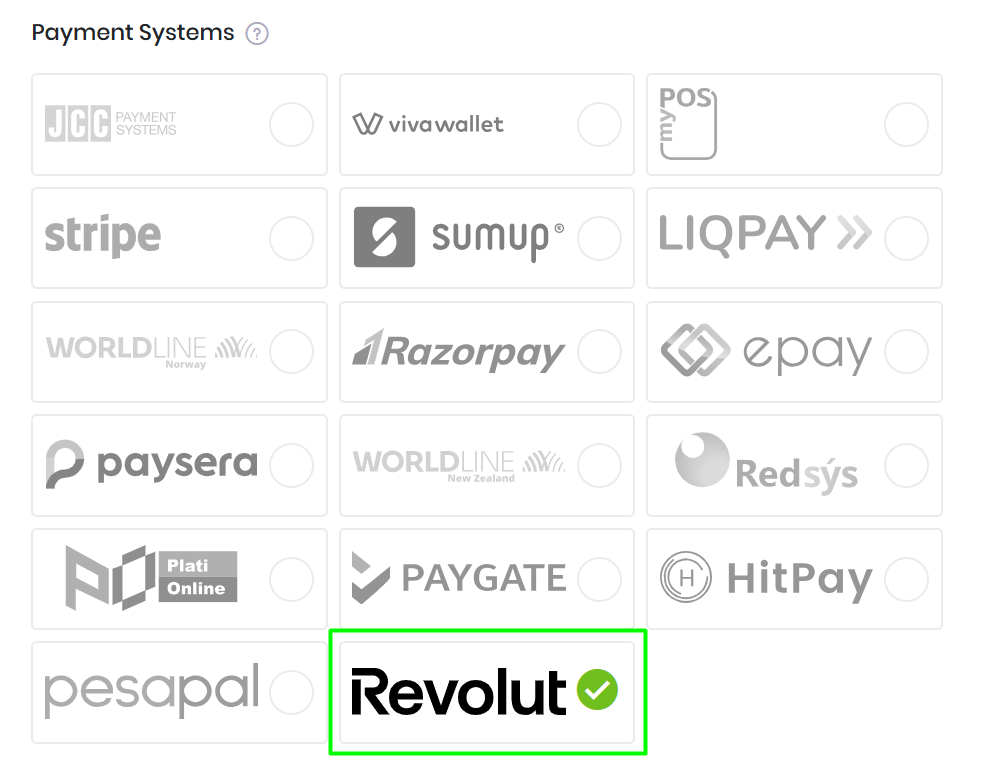
4.5. Click Save. Revolut icon will be active now and ready for testing.
5. Run a test payment link (Sandbox mode) and go live

5.1. To ensure everything works:

  1. Enable Sandbox mode in Rentsyst.
  2. Complete a test payment link with your RentSyst booking flow.
  3. Once the payment link is open with no errors, means you are ready to go with live transactions.
  4. Disable test mode from your Revolut integration menu inside RentSyst.


Thank you for choosing Revolut

69305f2773b2d.png