

Economy Car Rentals is an online car rental Broker that has been operating in the travel and tourism industry since 1994. Rather than owning a fleet of its own, the platform works as an intermediary: it aggregates rental offers from thousands of local and international suppliers and sells them to travelers through its multilingual website and a large network of affiliates and resellers worldwide. In practical terms, that means:
For independent and mid-sized rental companies, this is exactly the kind of partner that can plug a gap in direct bookings without requiring a marketing budget to match the big international brands.
Connecting your RentSyst account to Economy Car Rentals turns your existing fleet and rate setup into a new, low-effort sales channel. Here’s what you gain:
1. More bookings, no extra marketing spend.
Economy Car Rentals already has the traffic and the affiliate network. Once you’re listed, your cars are exposed to demand you would otherwise have to pay to generate yourself.
2. Zero financial risk.
Most bookings are paid directly to you at the counter — there’s no chargeback exposure or delayed payout cycle to worry about.
3. No setup or membership fees.
Joining the supplier network doesn’t require an entry fee or ongoing administration costs, so there’s no upfront investment to test the channel.
4. Real-time inventory and rate sync.
Because RentSyst manages your fleet and rates centrally, you’re not duplicating data entry — availability, pricing, and stop-sales are reflected wherever you connect Economy Car Rentals to receive automatic confirmations.
5. Smarter booking management.
Through the broker’s agent area you get access to special offer placements, statistics, stop-sale controls, and customer feedback — useful signals for adjusting your pricing strategy across all your channels, including the ones you manage natively in RentSyst.
Setting up the integration involves two parts: registering as a supplier with Economy Car Rentals, and connecting that supplier account to your fleet and rates inside RentSyst.

💡 Tip1: If you have request from a car rental company for potential cooperation, please send an e-mail directly Economy Car Rentals sales team to [email protected]
💡 Tip 2: Have your fleet list (vehicle groups, transmission types, seating capacity) and your standard rate structure ready before applying — it speeds up the onboarding conversation.
Once your account verification and onboarding with Economy Car Rentals is completed, you can move for 2nd step.
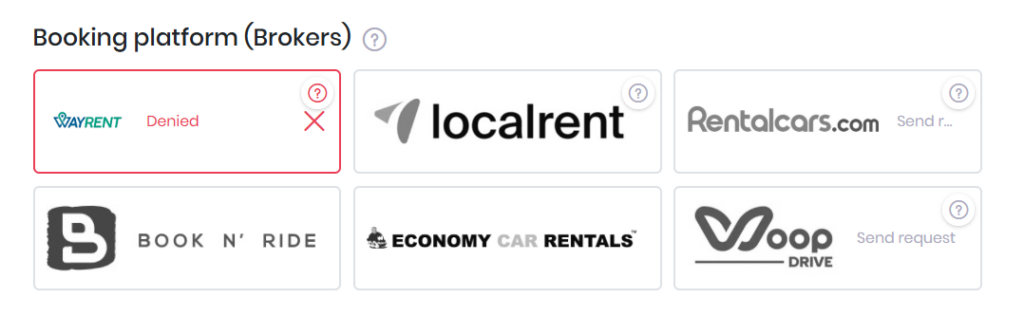
Adding Economy Car Rentals as a distribution channel is a low-risk way to extend your reach into markets and traveler segments you might not reach through direct bookings alone. With RentSyst handling the fleet, rates, and availability sync in one place, you avoid duplicate data entry and keep full visibility over every reservation — regardless of which channel it came from.
Dont forget to reach Economy Car Rentals team directly via emails to [email protected] .

Thank you!
Your email has been added to our database. Now you will be the first to receive interesting news about your business.