
We’re excited to announce a new payment integration in RentSyst – Sentoo, a popular local payment gateway designed specifically for the Dutch Caribbean region. This integration helps rental companies accept online payments more easily, securely, and in a way that fits local banking realities.
If your business operates in Curaçao, Aruba, Bonaire, Sint Maarten, or other Dutch Caribbean territories, this update is for you.
Why Sentoo?
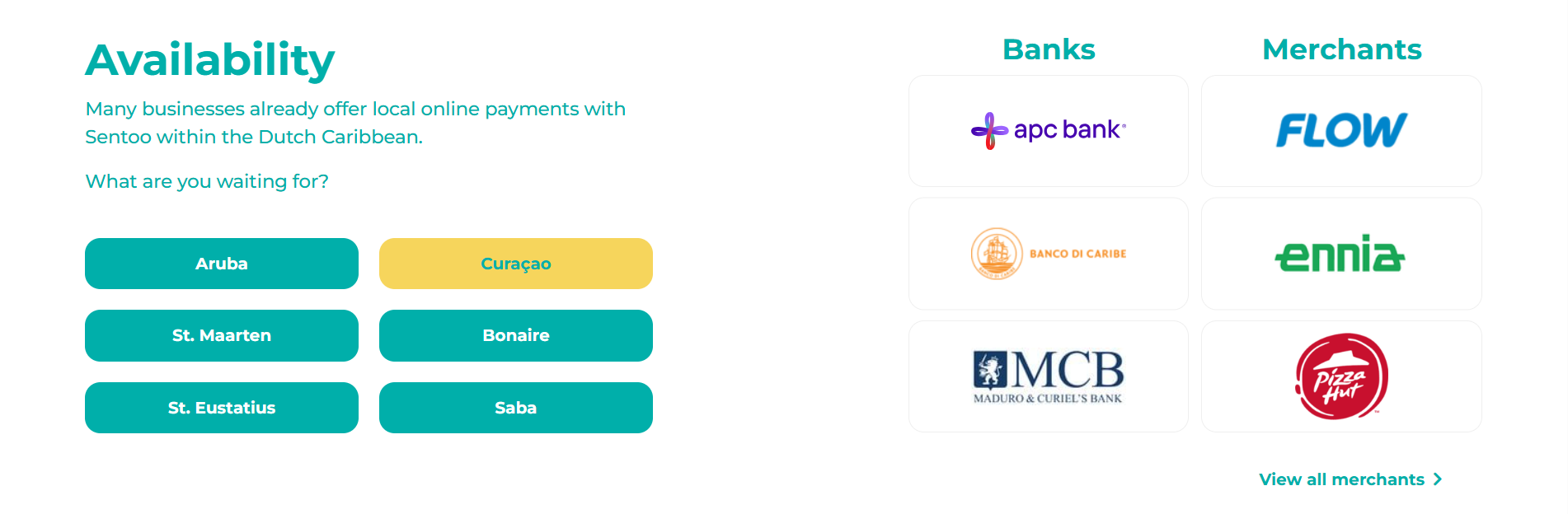
Sentoo is a regional payment solution focused on local debit cards and bank flows, making it a trusted choice for customers who prefer familiar and region-specific payment methods.
What the Sentoo + RentSyst integration offers
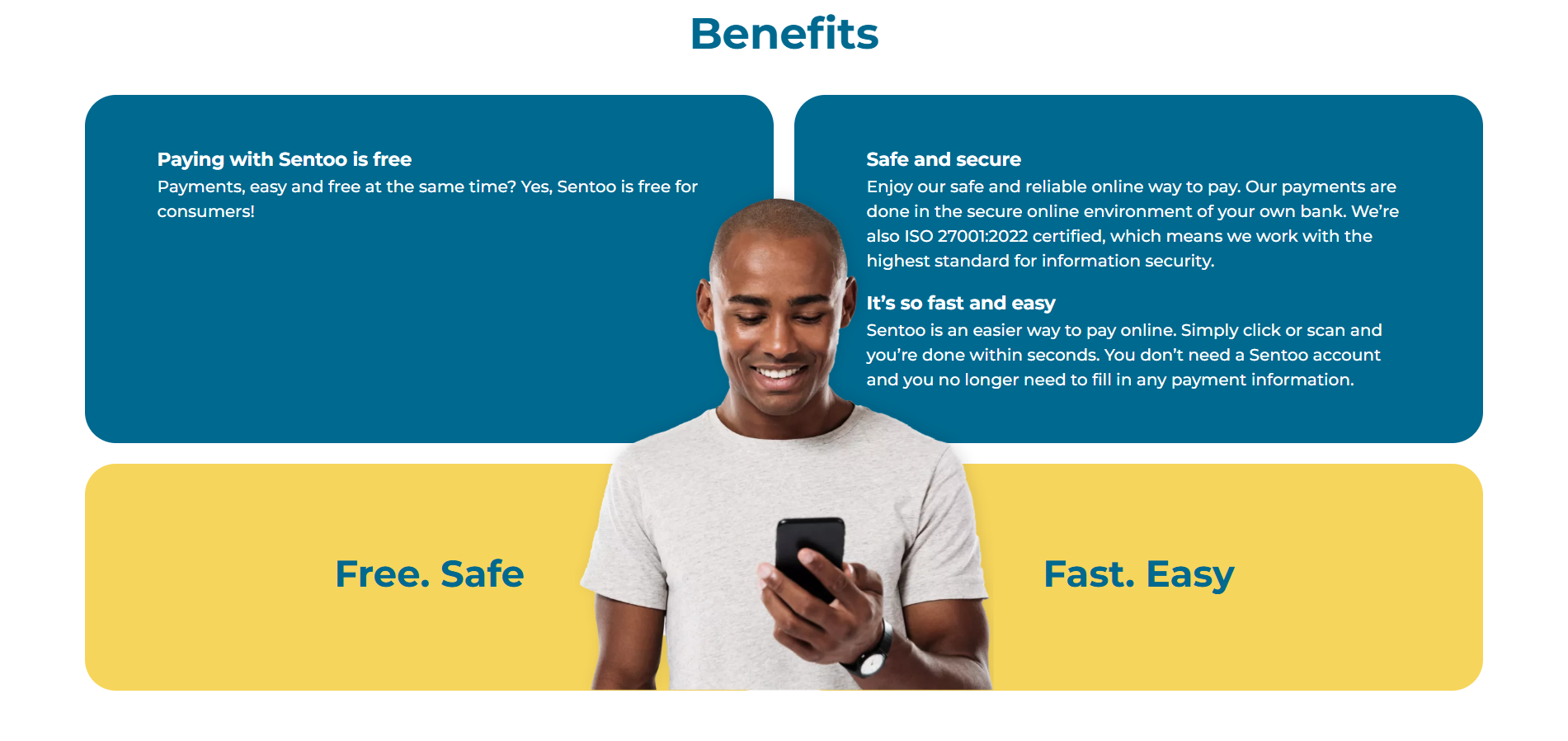
The Sentoo integration is fully embedded into the RentSyst ecosystem and works seamlessly with both the Booking Engine and Back Office.
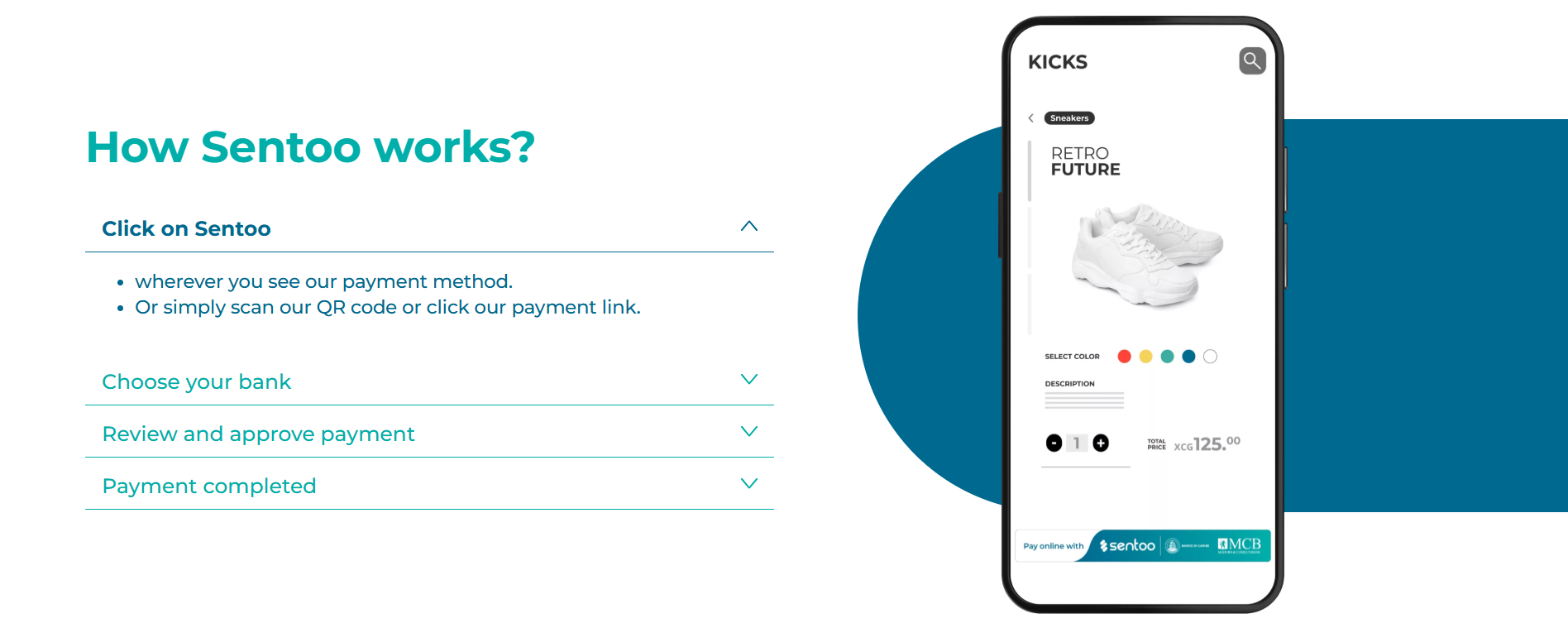
This makes it especially useful for companies working with tourists and local residents who expect simple, fast online payments.
No manual reconciliation is required.
1. Make sure you have an active Sentoo merchant account
2. Contact the RentSyst support team to request Sentoo activation and access token
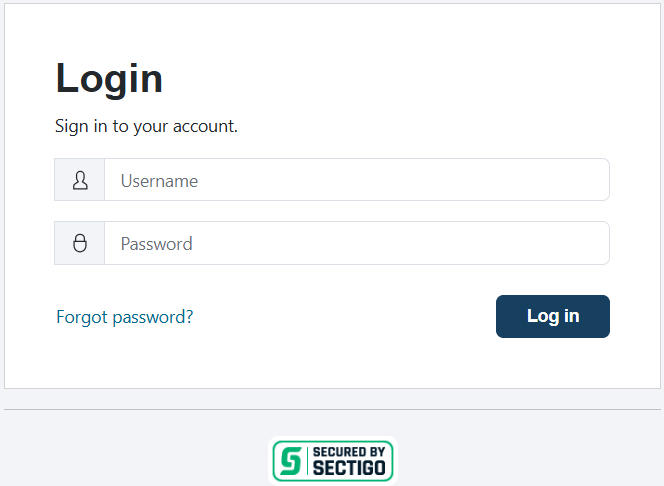
3. Login to Merchant Sandbox Portal with your login/password (Sentoo support team may give you access):
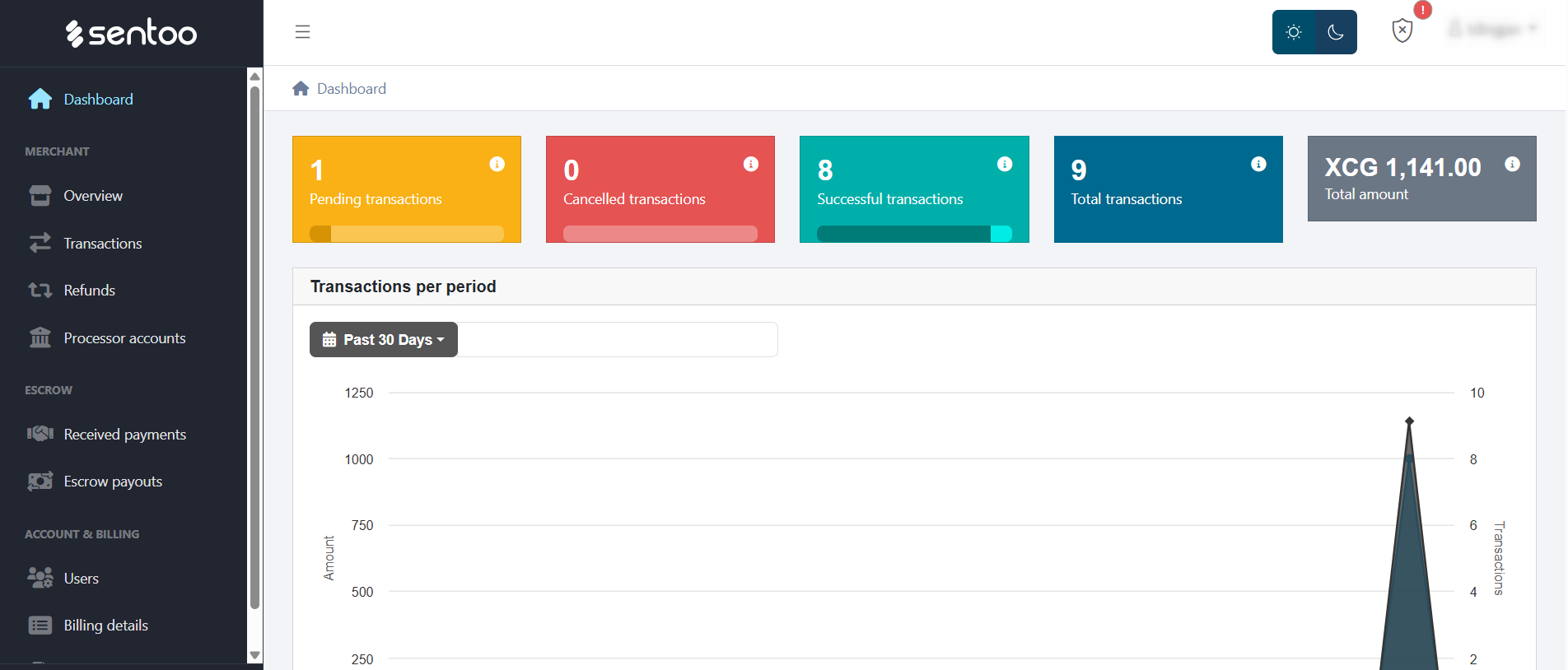
4. You will enter on the main Dashboard tab:
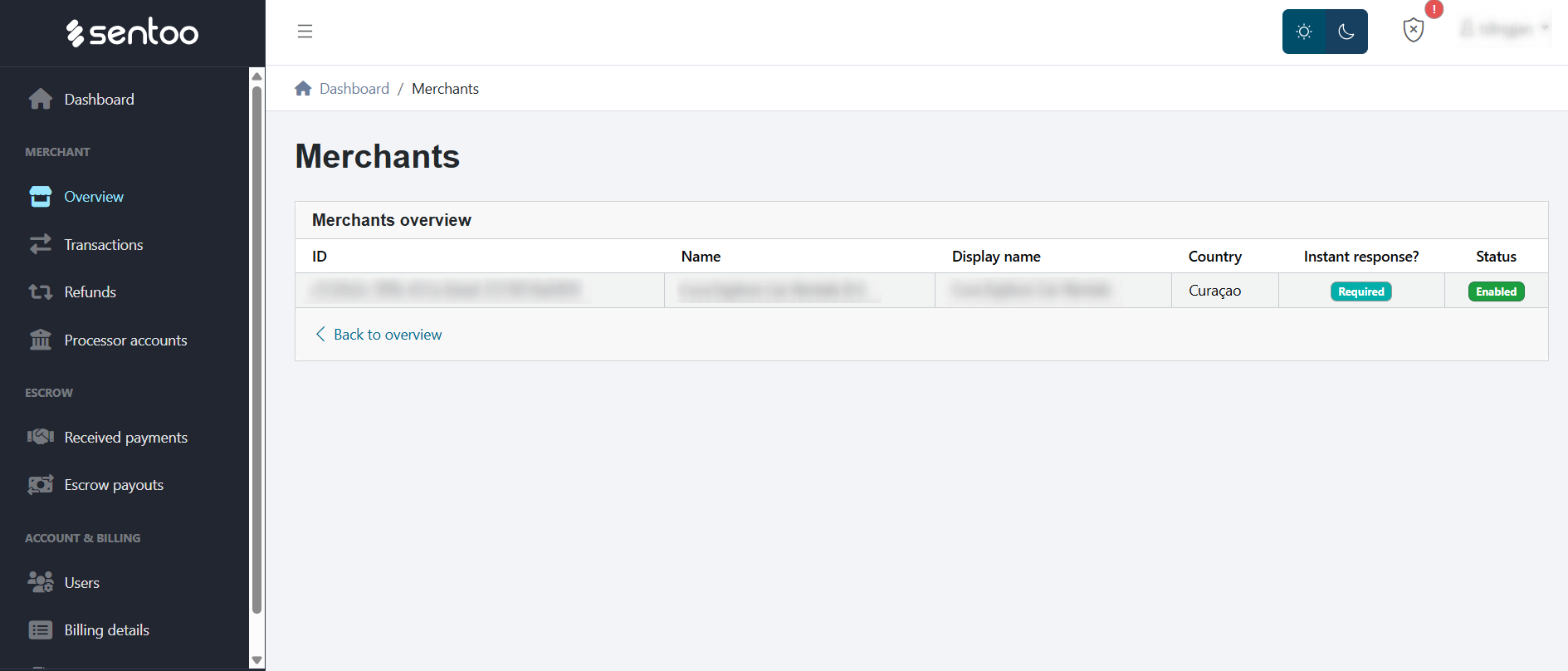
5. Go to the Overview tab – here you should have created your Merchant account.
Click on profile to enter inside:
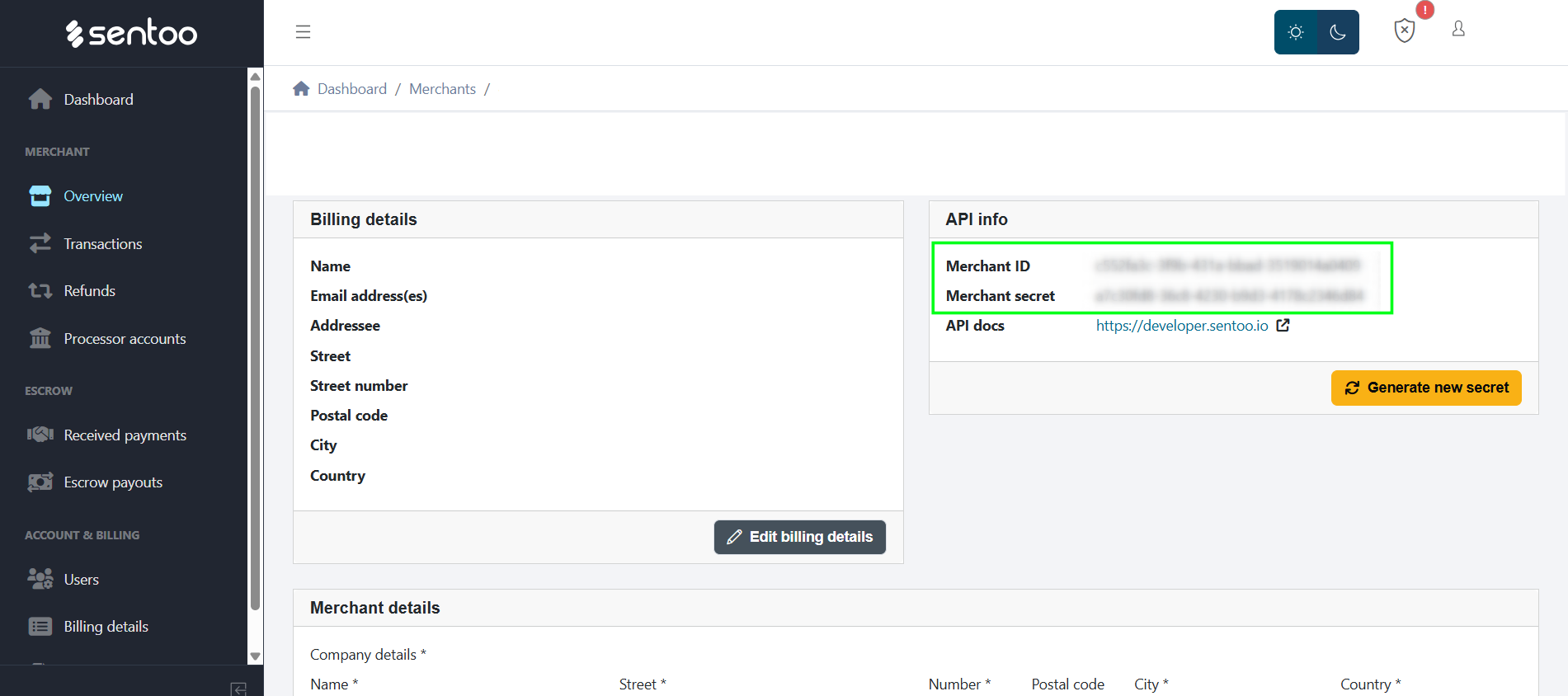
6. Generate Merchant ID and Merchant secret:
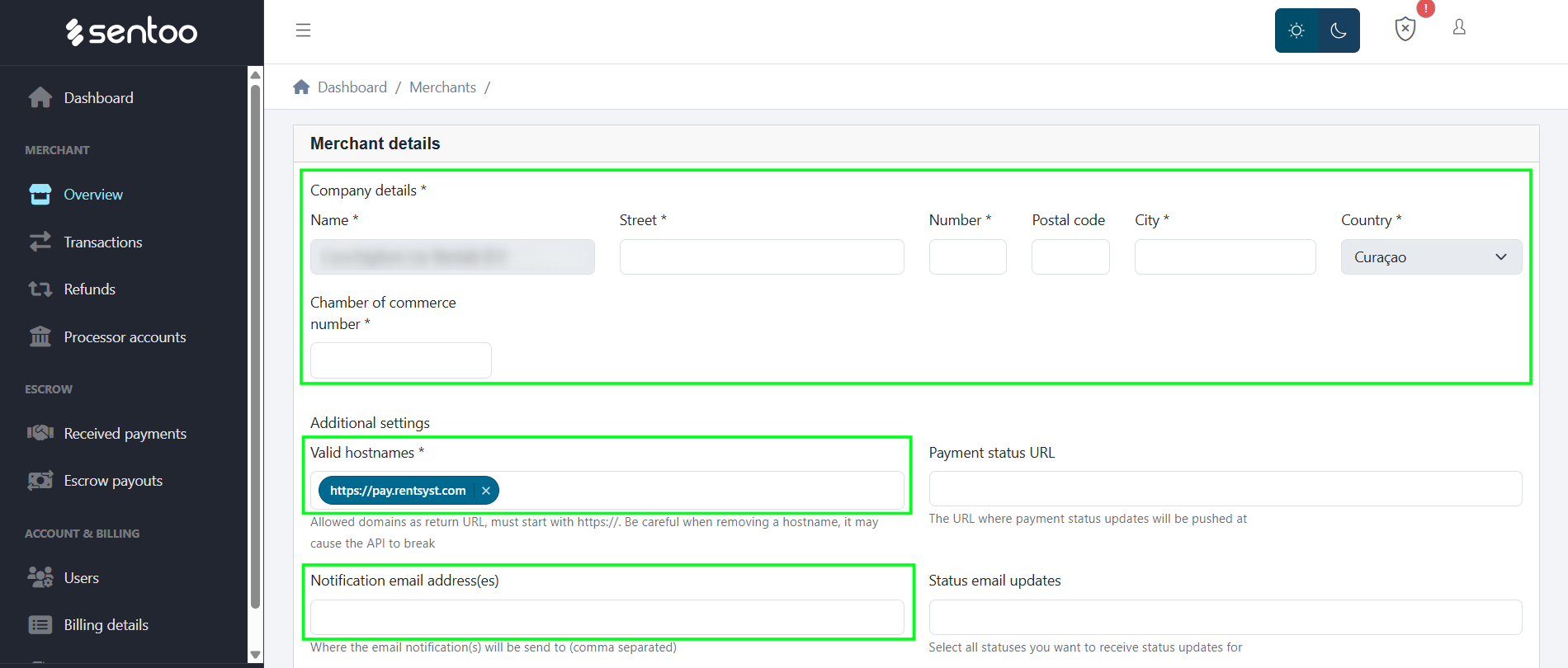
7. On the same Merchant page scroll down for the Merchant details section.
Please fill following data here and save:
– Company details
– Valid hostnames – add link https://pay.rentsyst.com
– Notification email address(es) – add your active email
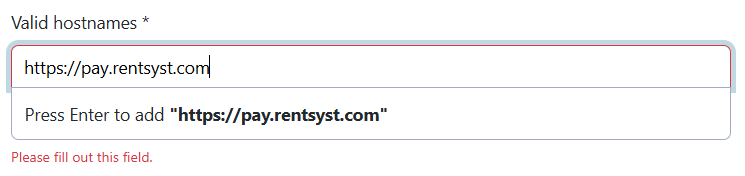
Once hostname https://pay.rentsyst.com is added – please press Enter to add the link:
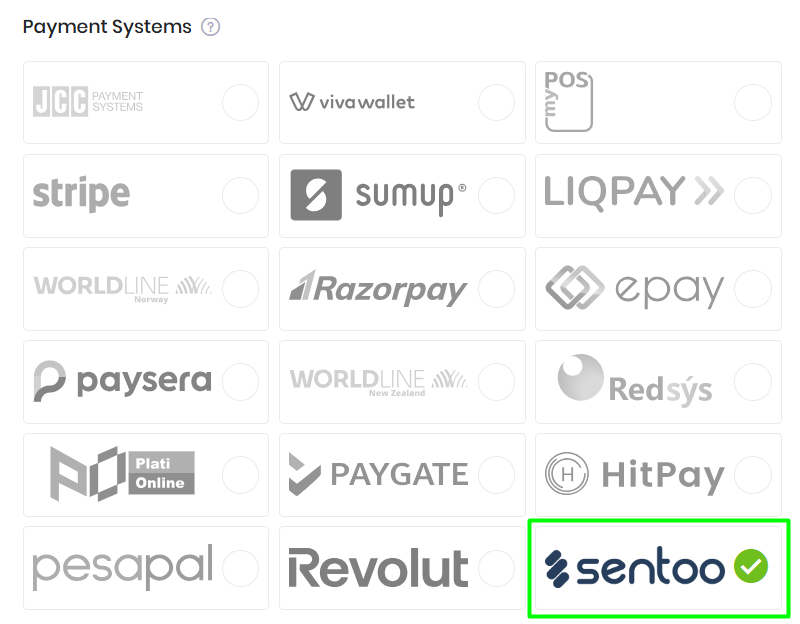
8. Copy Merchant ID and Merchant secret and navigate to RentSyst Settings – Integrations – Sentoo.
Paste credentials and set the “Enable” button. Once enabled, Sentoo will appear as a payment option for your customers.
9. Activate Test mode for transaction testing (if needed).


The Sentoo integration strengthens RentSyst’s commitment to regional payment flexibility and local market support. By offering familiar payment methods, rental companies can build trust, reduce abandoned bookings, and streamline operations.
If you’d like to activate Sentoo – please contact Sentoo team.

Thank you!
Your email has been added to our database. Now you will be the first to receive interesting news about your business.