

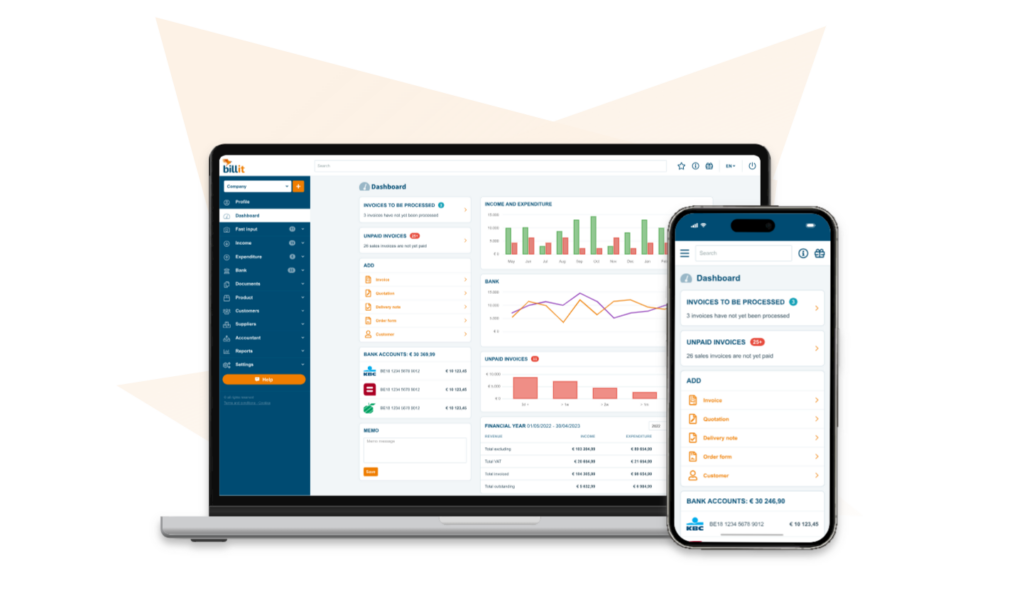
An increasing number of countries in Europe and elsewhere are mandating the use of e-invoices. By linking RentSyst to the invoicing platform Billit, your car rental business will have access to Peppol and other mainstream e-invoicing networks.
That way, you can exchange digital invoices with customers and suppliers anywhere in the world easily and safely, according to the correct legal standards.
In this guide, we explain step by step how to set up the link between RentSyst and Billit, so you can get started right away.
What is Peppol?
Peppol is a secure network for sending and receiving structured electronic invoices. It was developed with the support of the European Commission and is the legal standard in many countries.
The benefits of Billit
Billit is a handy online invoicing platform for businesses of all kinds. Billit is certified Access Point and gives you fast, easy access to the Peppol network.
Linking RentSyst with Billit enables you to:
In addition:
Here’s how the integration works step by step:
1. Create or login to Billit Account with https://my.billit.eu/
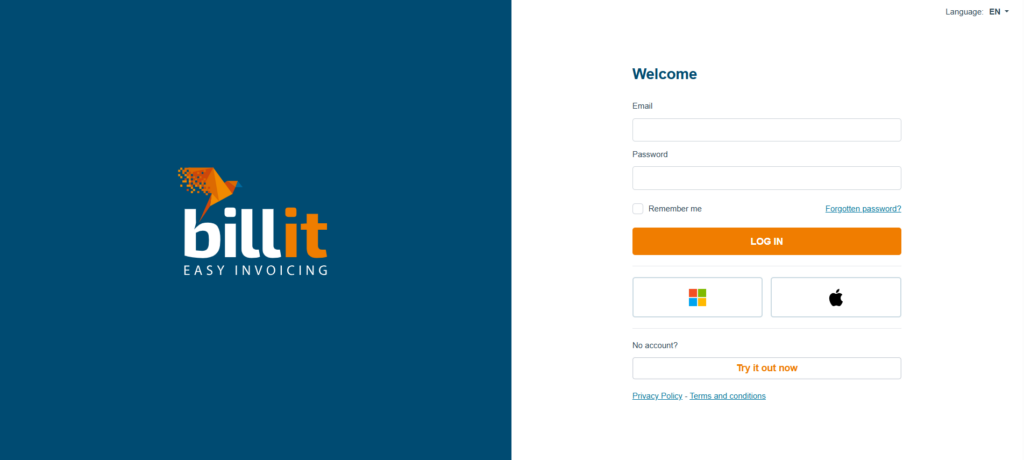
1.1. Sign up in Billit and complete your business profile:
1.2. Once registered, you gain access to the Billit account.
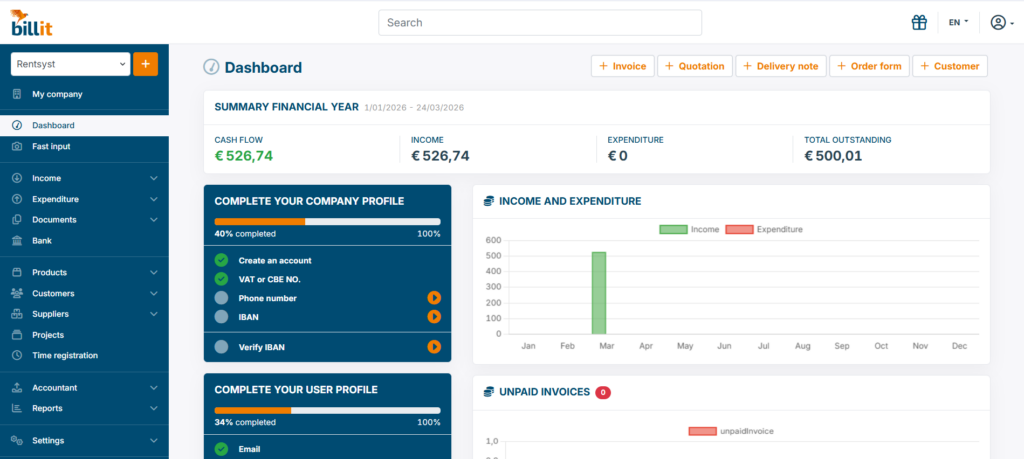
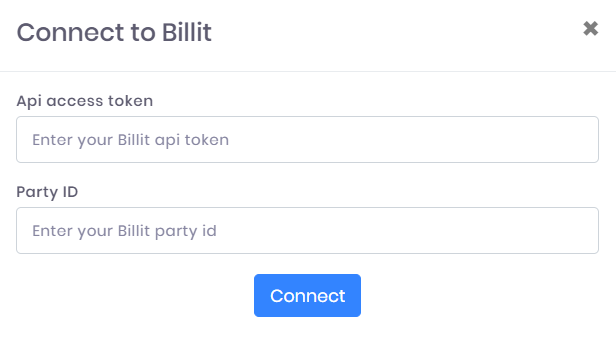
2.1. In your Billit dashboard you need following credentials:
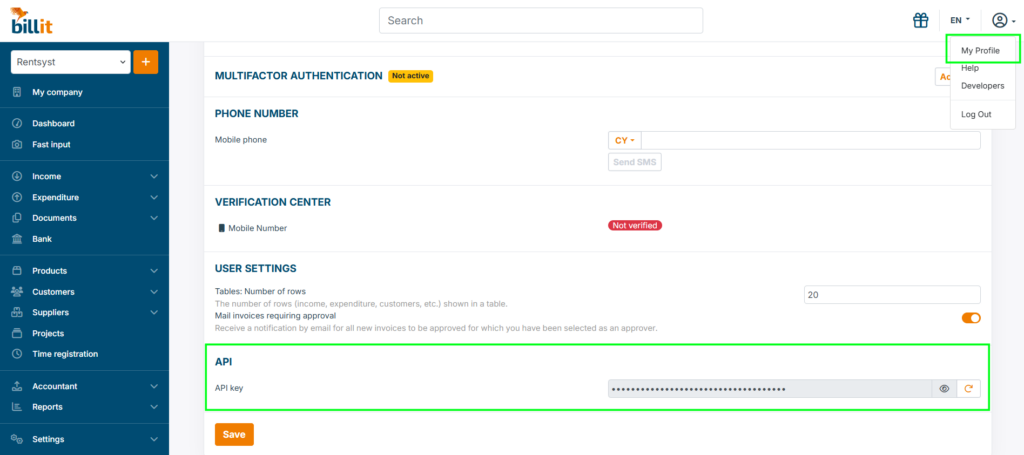
2.2. Api access token located inside your Account profile – click My profile on your avatar right corner and scroll down to API key:
2.3. Party ID located inside your domain name on My company page.
Copy numeral code – this is your party id.
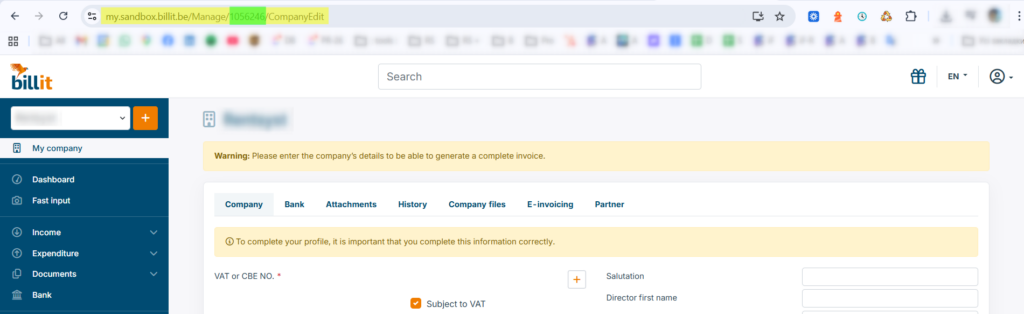
On the screen – yellow is your full domain name, green color highlights your Party ID.
In your Rentsyst admin panel:
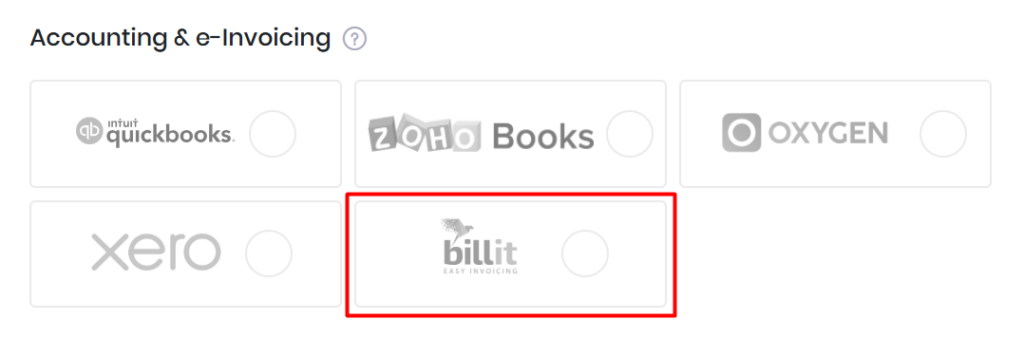
3.1. Go to Settings → Integrations & Agents → Accounting & e-Invoicing:
3.2. Select Billit
3.3. Enter your API credentials and press “Connect”
3.4. Now “Save” to activate integration
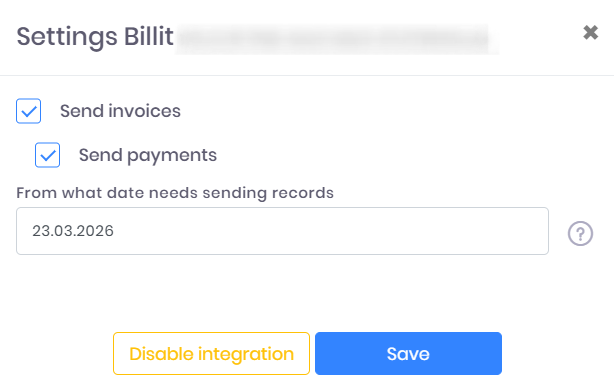
Your Billit logo will be active now.
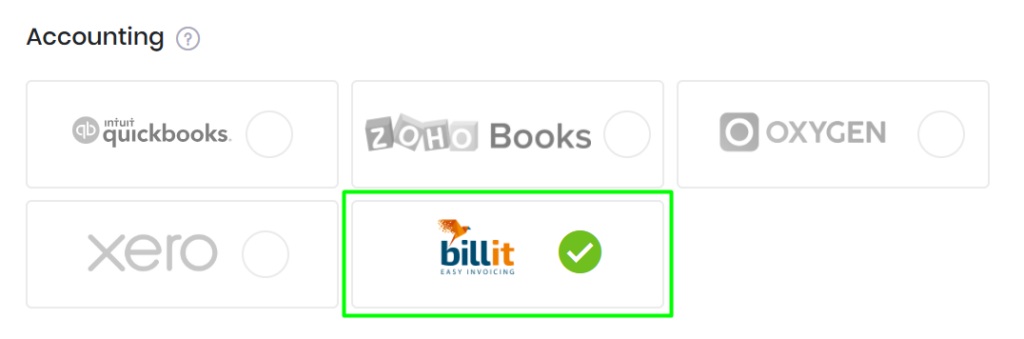
4. Testing
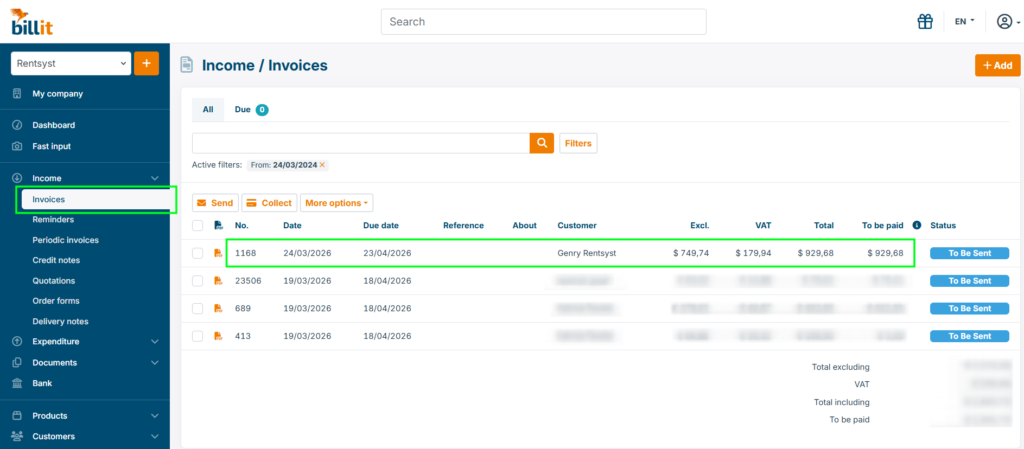
4.1. Once your rental is over and have DONE (completed) status, Rentsyst will automatically sync Invoices and deliver it into your Billit account. From there you will be able to deliver invoices to PEPPOL.
Ready for stress-free e-invoicing?
Create a Billit account, link your account to RentSyst and send your first e-invoice via Peppol today!
Try Billit for 15 days for free


Thank you!
Your email has been added to our database. Now you will be the first to receive interesting news about your business.