If you run a fleet in Tenerife or elsewhere in the Canary Islands, you can now list your vehicles on KeyGoSearch through the RentSyst Broker integration — without maintaining a second calendar by hand.
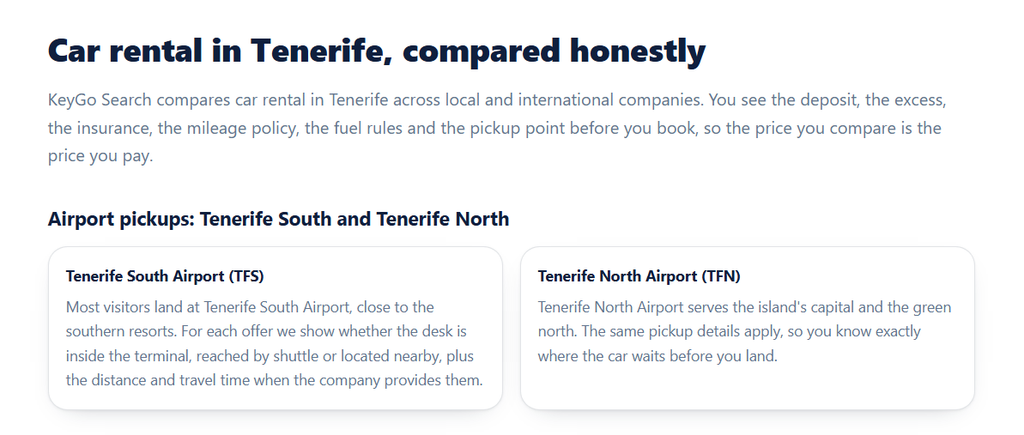
KeyGoSearch is a car rental search and comparison platform operated by KeyGo Spain S.L., focused on Tenerife and the wider Canary Islands. It isn’t a rental company – it’s a comparison layer between travellers and local suppliers, and it currently compares offers from more than 20 rental companies on the island.
A few things worth knowing before you connect:
The takeaway: it’s a small, targeted channel rather than a volume marketplace — and that’s precisely why it works well for local Canary Islands operators.
1. Local demand you already compete for. Travellers comparing cars for Tenerife dates are exactly your customers — this puts you in front of them without ad spend.
2. A market-specific channel. Being one of ~20 suppliers on a Tenerife-focused comparator gives you far more visibility per listing than being one of thousands on a global platform.
3. Rewards clear conditions. If you offer a low deposit, zero excess, debit card acceptance or unlimited mileage, KeyGo’s format surfaces those advantages instead of hiding them behind the price filter.
4. Real-time sync. Fleet, rates, availability and rental conditions are delivered from RentSyst automatically through the Broker API — no duplicate data entry.
5. One place to manage everything. KeyGo reservations land in your RentSyst Orders list alongside your direct bookings, so you keep full visibility across all channels.
Setting up the integration involves two parts: applying as a KeyGo partner, and enabling the channel inside RentSyst. Please note upfront, as KeyGo states on its partner page: not every RentSyst company is automatically connected. Availability varies by region and fleet, and each connection requires review and configuration.
Step 1. Apply as a Partner
1. Go to the KeyGo partner page.
2. Contact the KeyGo team at [email protected] and tell them you’d like to join as a partner. Include your company profile and note that you work with RentSyst and want to connect through the Broker integration.
3. KeyGo reviews the information and determines the most appropriate connection method for your setup.
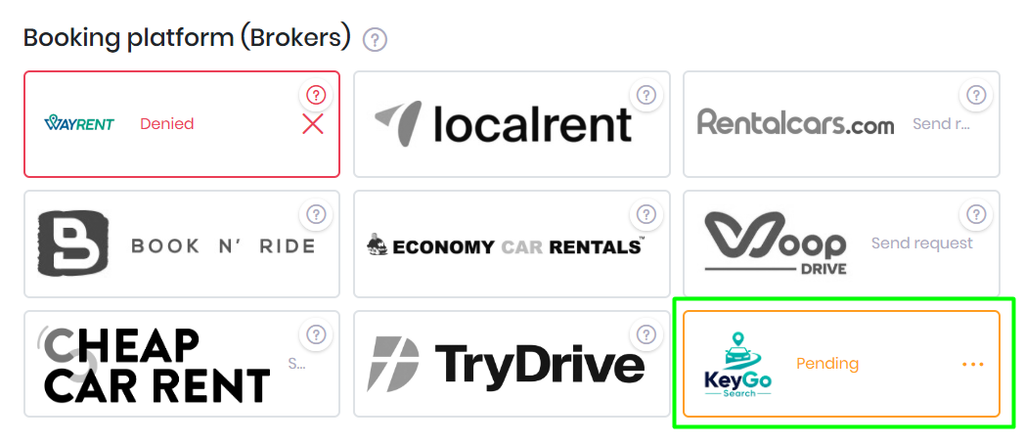
💡Tip: Prepare your conditions in detail before you write. KeyGo’s entire product is built around presenting them accurately, so the clearer your data, the faster the onboarding — and the better your listings will perform.
Step 2. Enable on RentSyst
Step 3. Publish and verify
Your fleet, locations, rates, availability, rental policies, extras and insurance are delivered to KeyGo automatically through the RentSyst Broker API. Mapping happens on the broker’s side.
Recommendations:

Thank you!
Your email has been added to our database. Now you will be the first to receive interesting news about your business.