
Expedia is one of the biggest travel platforms in the world. Millions of travelers use it to compare and book rental cars, often together with their flights and hotels. If you run a car rental business, a listing on Expedia puts your fleet in front of a huge international audience.
The good news for RentSyst users is that you can now connect your fleet to Expedia. Here’s how the integration works and what you need to get started.
RentSyst does not connect to Expedia directly. The connection runs through Car Rental Gateway, a B2B distribution platform that links car rental suppliers with major travel sales channels, including Expedia.
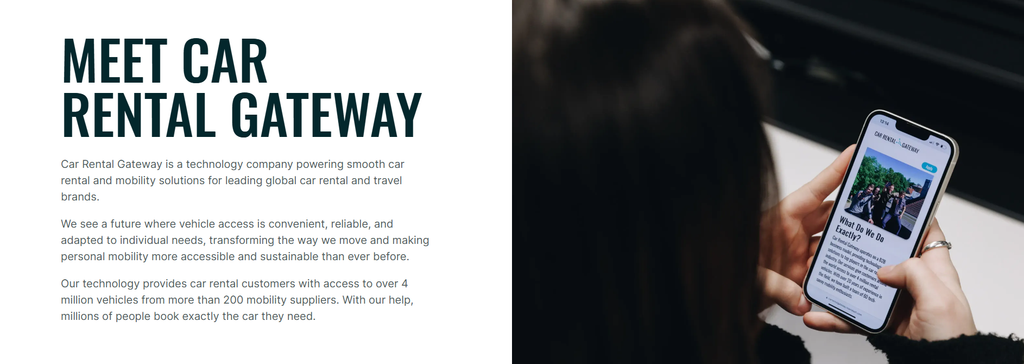
Car Rental Gateway sits in the middle:
RentSyst (your fleet, rates, availability, bookings) → Car Rental Gateway (the connector) → Expedia (where travelers find and book your cars). You don’t need to handle anything technical. Car Rental Gateway sets up the connection between your RentSyst account and Expedia and takes the integration live for you.
To connect RentSyst with Expedia, you need three things:
1. Expedia account
You need an active partner account with Expedia as a car rental supplier. If you don’t have one yet, start this process first, because Expedia needs to approve you as a supplier before your cars can appear on the platform.
Partner with Expedia.
2. Car Rental Gateway account
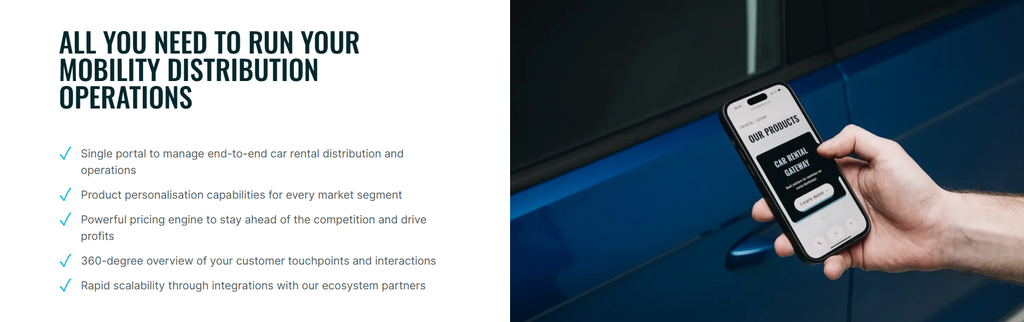
Contact Car Rental Gateway directly to set up an account with them. Tell them you’re a RentSyst client and want to connect to Expedia. They’ll explain their terms and guide you through onboarding. You can reach them at [email protected] or through their website carrentalgateway.com.
3. Active Rentsyst account.
Your RentSyst account must be active, with your fleet, locations and rates already set up. That is where Car Rental Gateway will pull your availability and pricing from, so it’s worth checking that everything is up to date before the connection goes live.
Dont have RentSyst account yet? Start 14 days free trial
Once you have all three accounts, Car Rental Gateway takes over. They will:
After launch, bookings made on Expedia flow into your system, and you manage them in RentSyst just like any other reservation.
Adding Expedia as a sales channel helps you reach travelers you wouldn’t reach through your own website. That’s especially true for international visitors and people booking a car together with their flight and hotel. Because Car Rental Gateway handles the technical setup, you get a new booking channel without any development work on your side.
Thank you!
Your email has been added to our database. Now you will be the first to receive interesting news about your business.